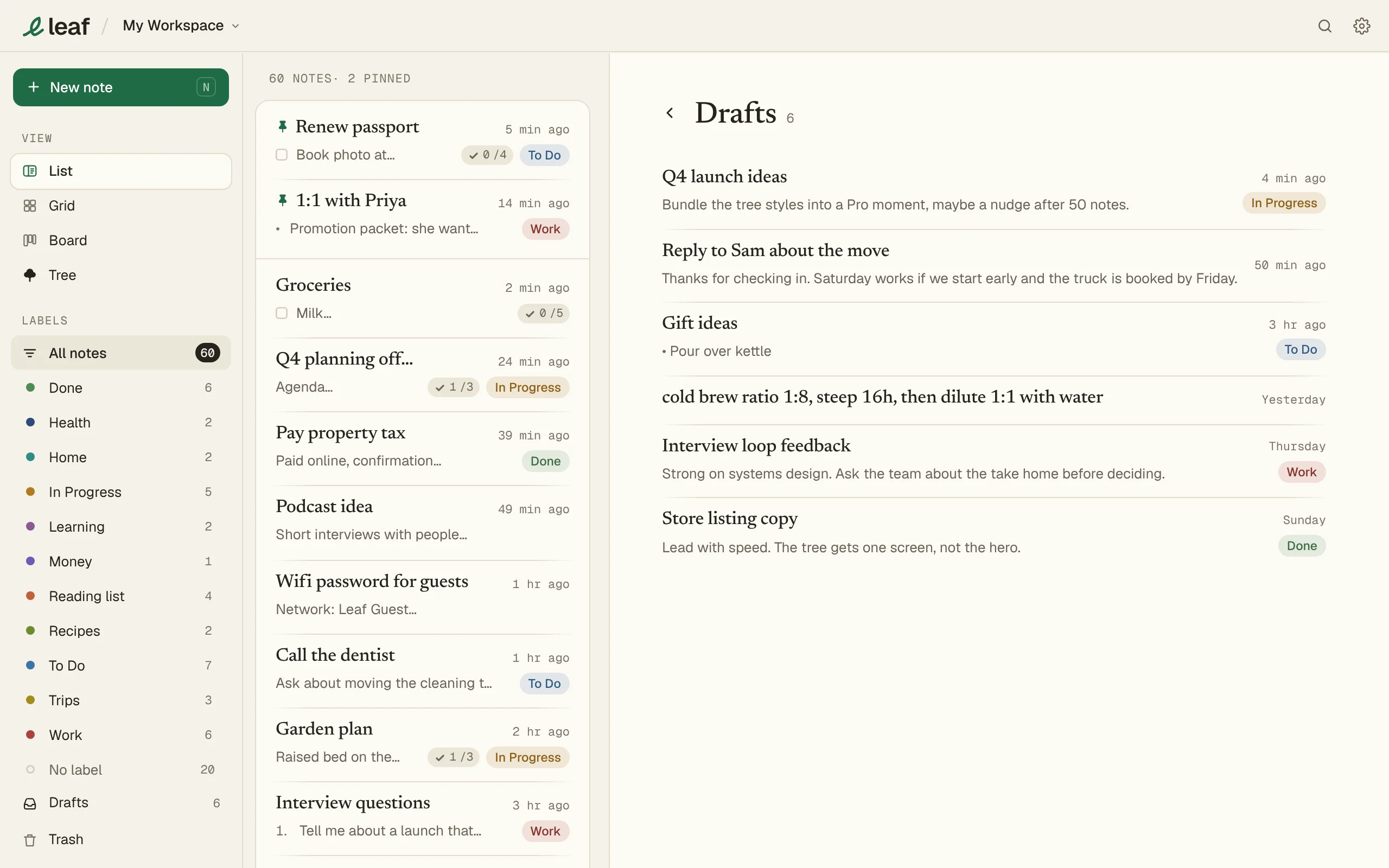
Drafts
Answer
Press Save draft (Ctrl S, ⌘S on a Mac) in New note to set a note aside. The drafts count brings it back.
Save a draft
- Start a note in New note.
- Press Save draft, or Ctrl S (⌘ S on a Mac).
The draft keeps its label.
Open a draft
Press the drafts count (like 6 drafts) in New note, then pick one.
With Leaf Pro, drafts sync to your other devices.