The note menu
Answer
Right click a note, or hover it and press ⋯, to open its menu.
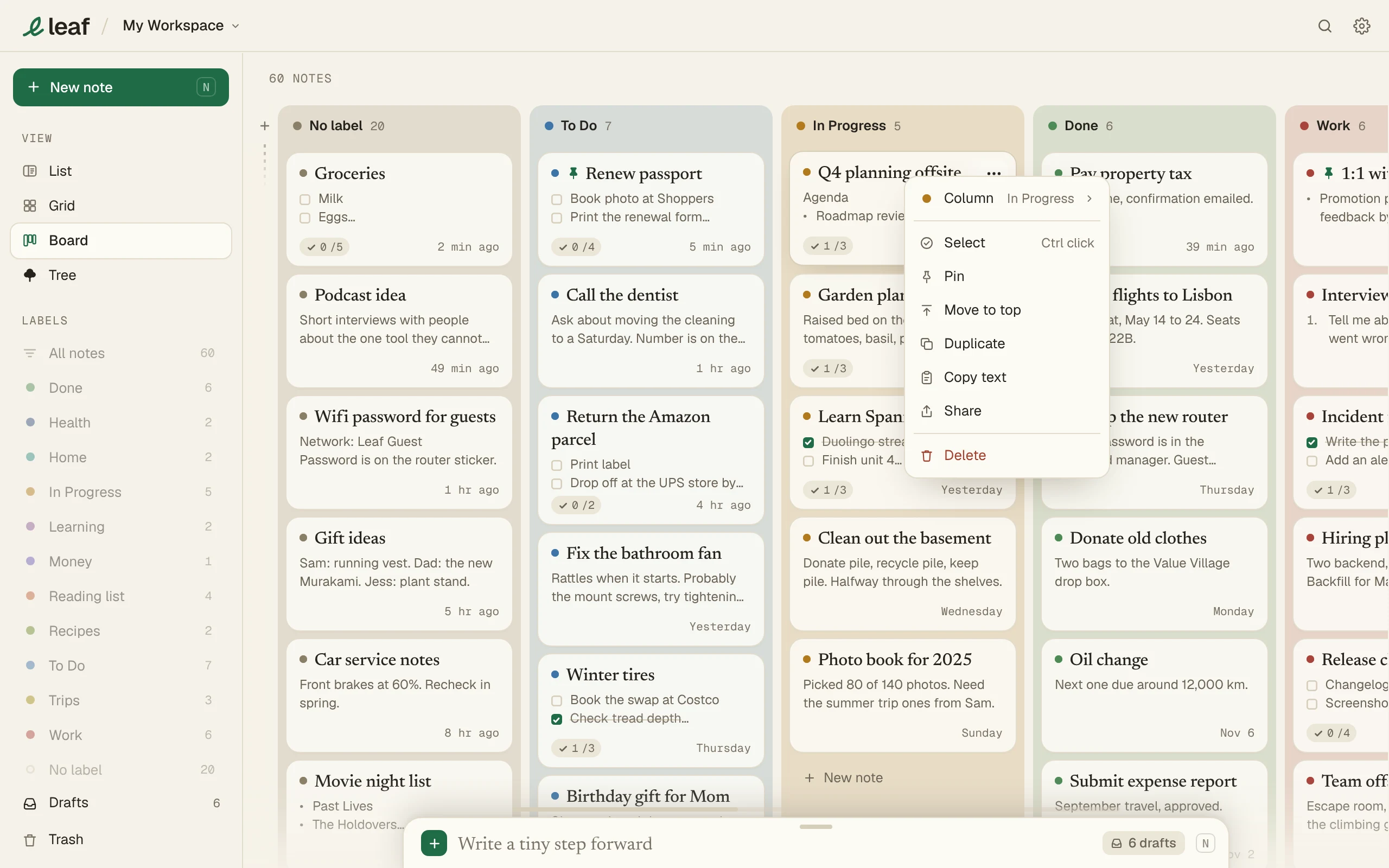
| Item | Does |
|---|---|
| Label (Column on the Board, Folder in Grid) | Changes the note’s label. |
| Select | Starts picking several notes. |
| Pin | Keeps the note on top. |
| Move to top | Moves it above the others. |
| Duplicate | Makes a copy. |
| Copy text | Copies the note. |
| Share | Makes a link. See Share a note. |
| Delete | Moves it to Trash. |