Trash
Answer
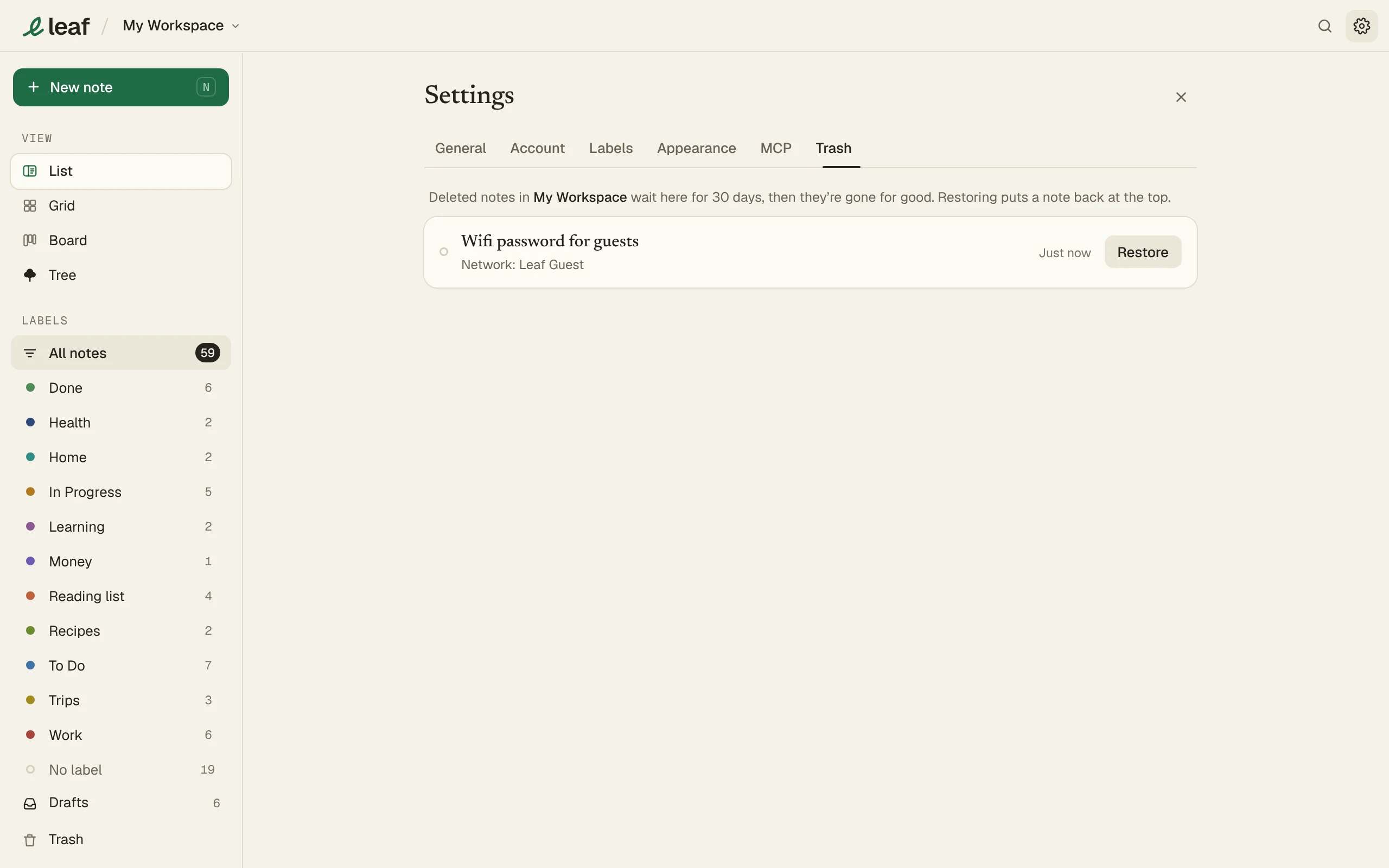
Deleted notes wait in Settings > Trash for 30 days. Press Restore to bring one back.
Delete a note
- Open its menu and choose Delete.
- Or drag it onto the gear in the header. It turns into a bin.
- Press Undo on the toast to take it back.
Restore
Go to Settings > Trash and press Restore. The note comes back at the top.
Each workspace has its own Trash.