Leaf on your phone
Answer
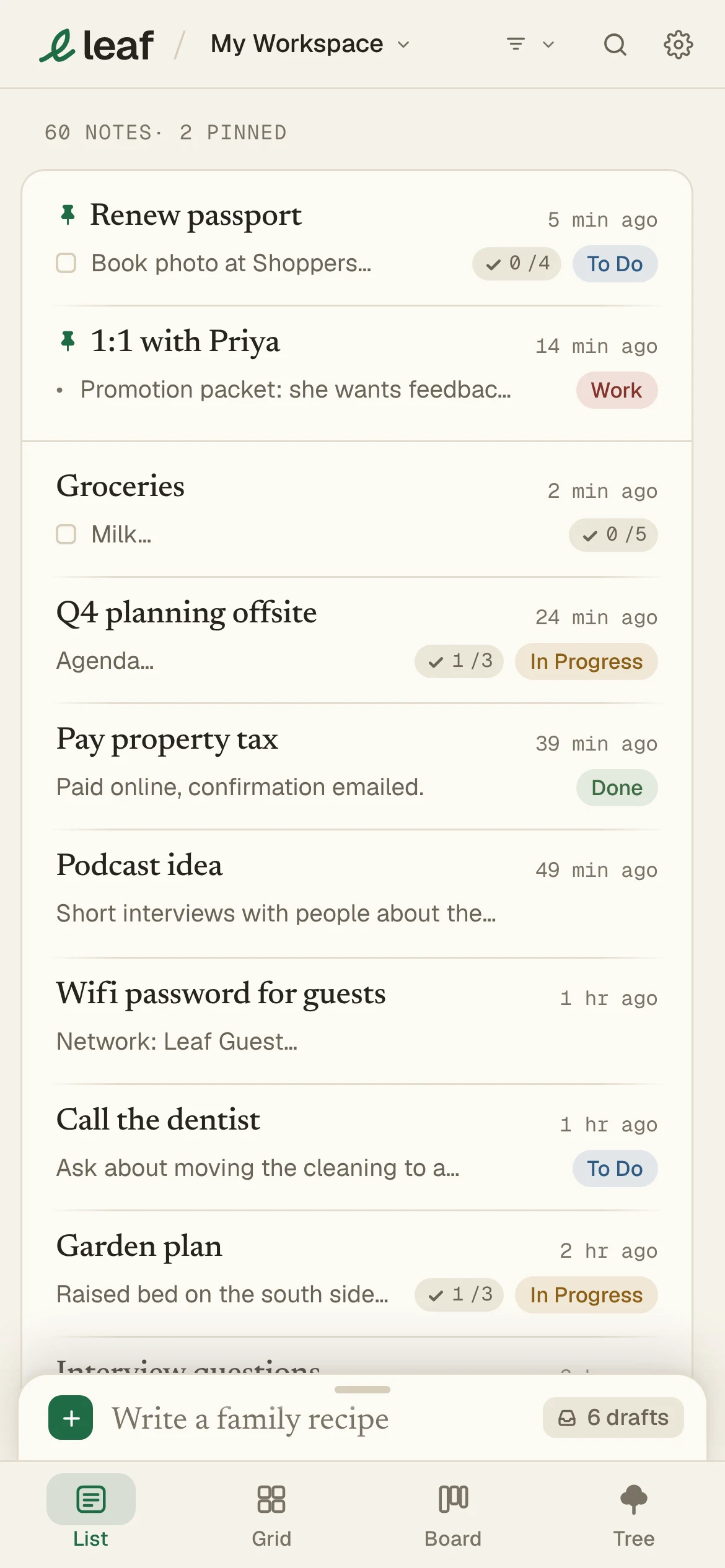
Open app.leafnotes.co on your phone and add it to your home screen. Free offline. Leaf Pro keeps it in sync.
iPhone
- Open
app.leafnotes.coin Safari. - Tap Share, then Add to Home Screen.
Android
- Open
app.leafnotes.coin Chrome. - Tap Install, or the menu, then Add to Home screen.
On a phone, tap a note to read it. More help: leafnotes.co/phone.