Timeline and details
Answer
Press Details in the Tree view to see your workspace's numbers and a timeline. Press play to watch the tree grow.
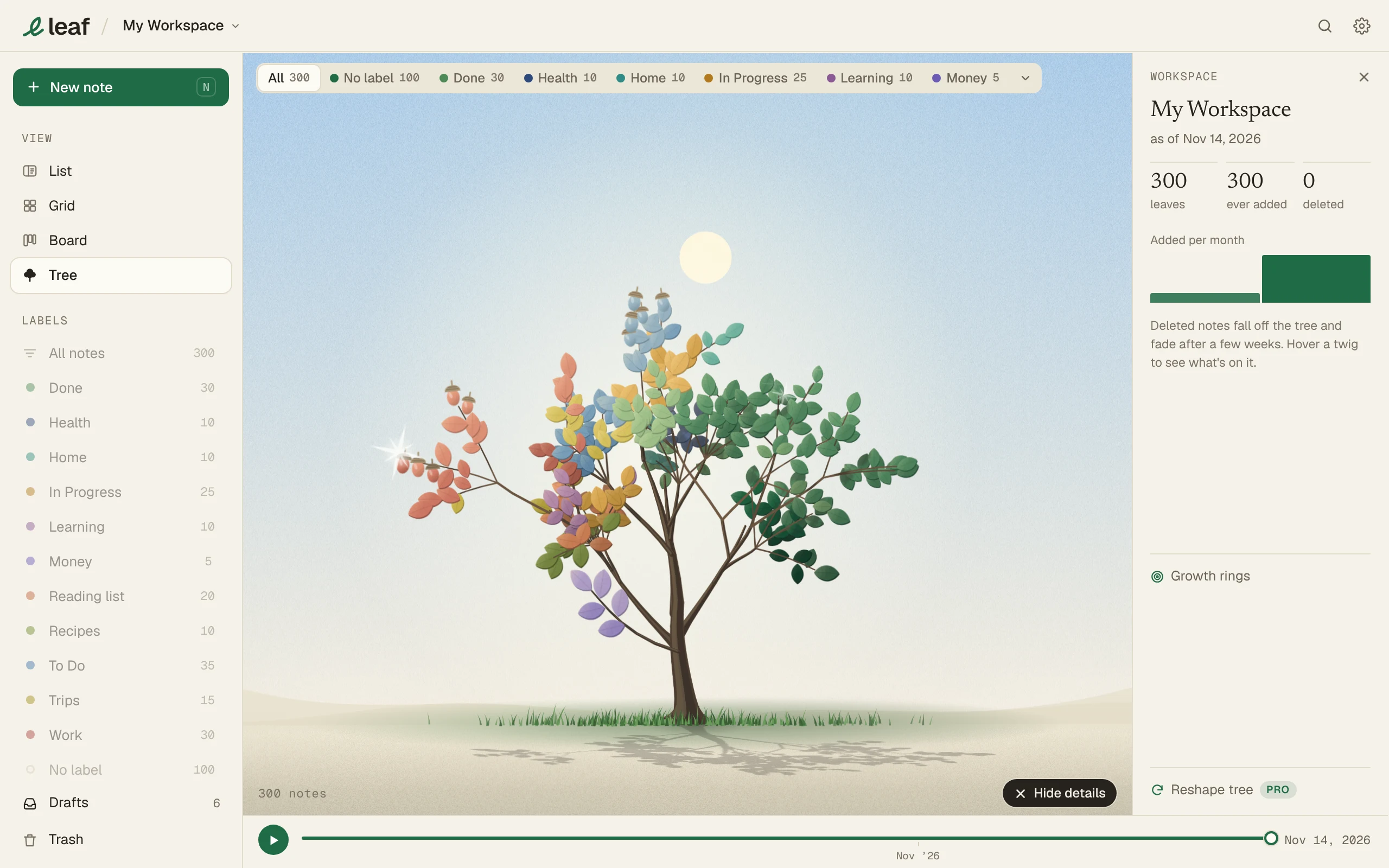
In Details
- Leaves, notes ever added and notes deleted.
- Notes added per month.
- A timeline. Drag it, or press play.
Growth rings
Click the trunk, or Growth rings in Details. Each ring is a month or a year of notes.