Labels
Answer
Each note can have one label. Labels color your notes, filter them, and become columns on the Board.
Give a note a label
- In New note, press Label and pick one.
- On an existing note, open its menu (right click, or ⋯) and choose Label.
- On the Board, drag the note to that label’s column.
Filter by label
Pick a label in the sidebar (full tab) or the filter menu. You can pick more than one.
Manage labels
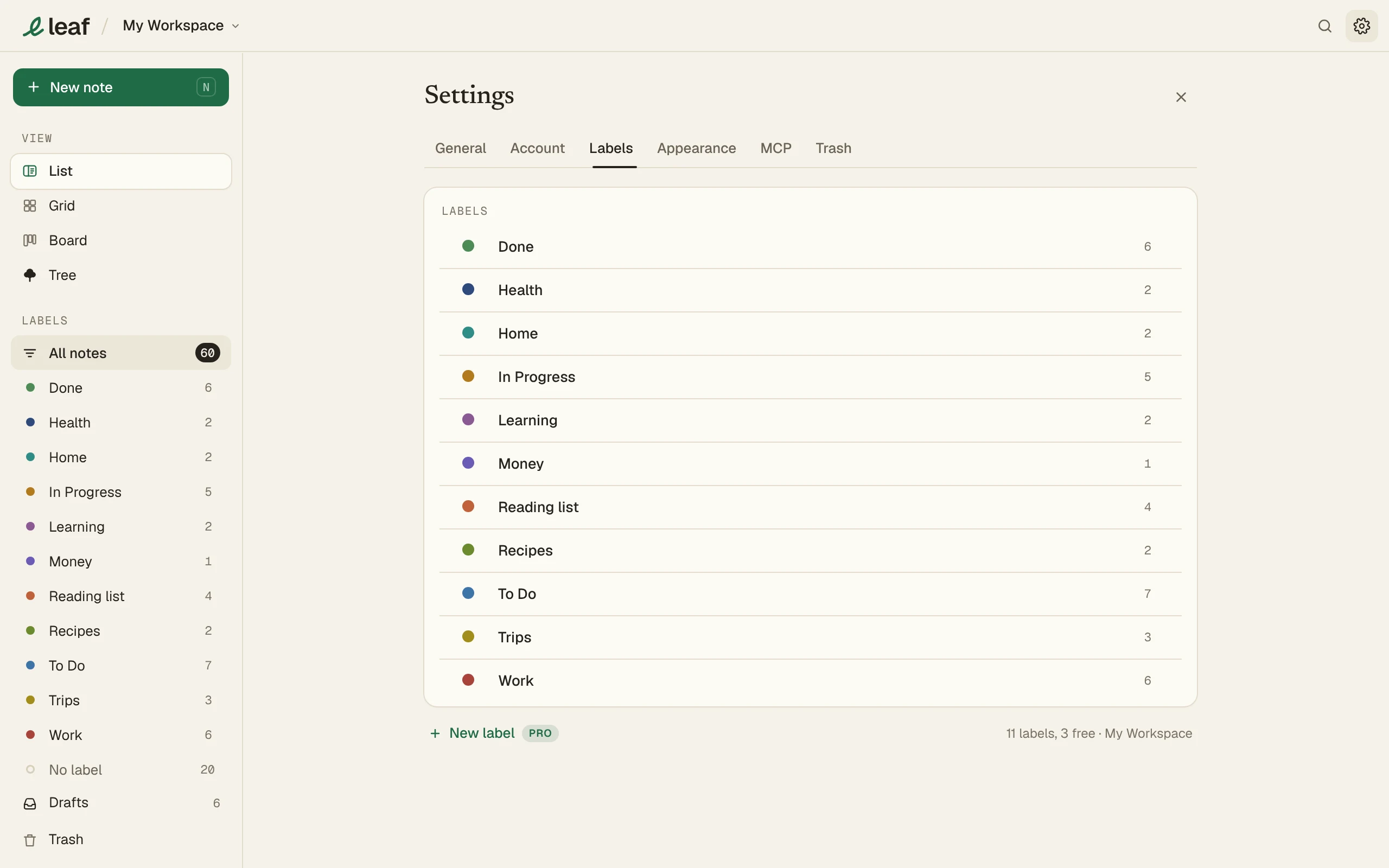
Go to Settings > Labels to rename, recolor, delete or pin them.
Limits
- Free: 3 labels per workspace.
- Leaf Pro: as many as you like.
New workspaces start with To Do, In Progress and Done.
FAQ
Can a note have two labels?
No. One label per note. Use hashtags for more ways to group notes.
What happens to my labels if Pro ends?
Nothing is removed. You just can't make new ones past 3.